2022 – A year-in-review
Here at Kit Builder, we made lots of changes in 2022.
Follow our journey over the past year!
During 2022, Kit Builder had many updates and changes. We’ve been listening and we’ve heard you. Here at Kit Builder, we have made active steps towards improving our product to best suit your needs. This article highlights some of our more recent changes in 2022:
General Updates:
Announcements:
Kit Builder Announcements notify when there is an update to Kit Builder. Look out for the blue circle to signal a new announcement and click through to find out more info!
Carousel:
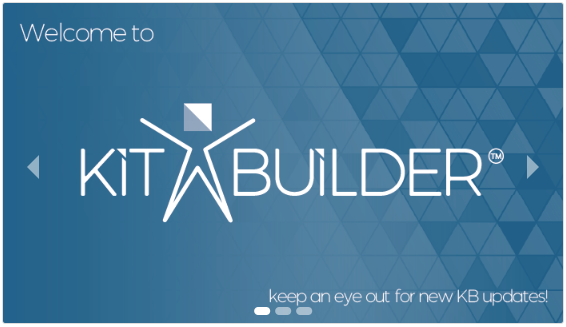
On your Kit Builder Homepage, you will now see our sliding carousel to notify you of some of our bigger upgrades. You can click through the images or let the carousel automatically slide through.
Tooltips:
We’ve added Tooltips across a range of fields on Kit Builder. When you see a ? next to a field, click on it to unveil the info inside. It might contain a description, a rule to follow, or even some pro tips, but we’re sure you’ll find it helpful.
Check out our blog post on Tooltips!

New Number:
In 2022 we updated our phone numbers and now how more direct lines to link you straight to the department you need.
Updates to the Kit Builder software:
File type restriction:
You can now decide which file types you allow your clients to upload onto your products. You can restrict the types by changing a couple of settings in the back end of your Kit Builder.
If you wish to apply this to your Kit Builder, please see this Knowledgebase guide.
Editor Grips:
Editor Grips are the action icons that control the movement/rotation/scale of your Logo and Text Editors – and you can now change their scale per product. This is extremely helpful on your small or large 3D models, e.g. face masks or blankets.

If you wish to apply this to your Kit Builder, please see the Knowledgebase guide – it’s super easy!
‘Remove all’ Update:
Kit Builder will cache designs you make into a ‘My Designs’ area to stop you from losing any progress. As standard, you need 20 designs in the My Designs area for the ‘remove all’ button to show.
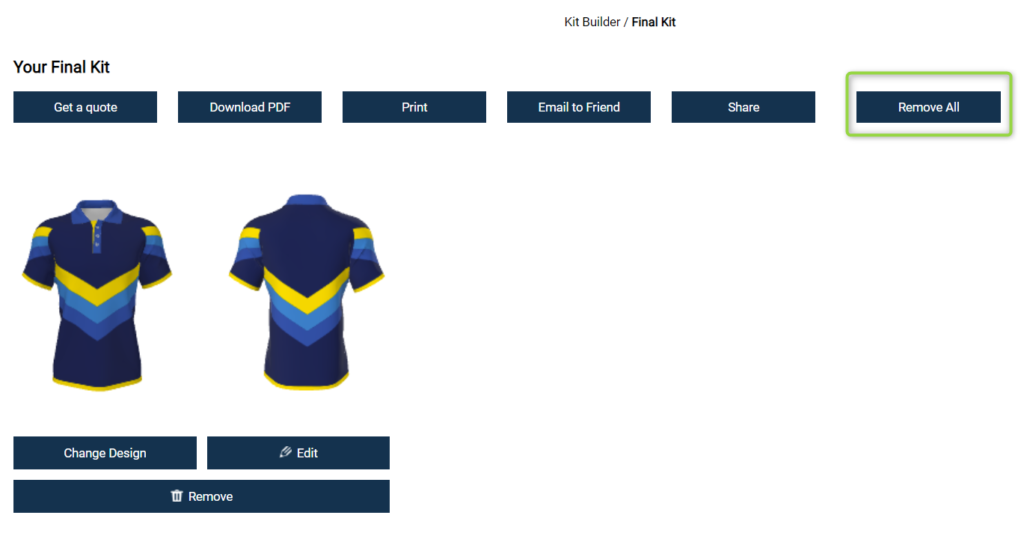
By changing a setting you can change the default number of designs needed to suit your needs.
If you want to apply this to your Kit Builder, please check out the post inside announcements on your home page for full instructions.
Lazy Load:
The Lazy Load feature will improve your product loading time by only loading your patterns when your users select them instead of loading all of them at once.
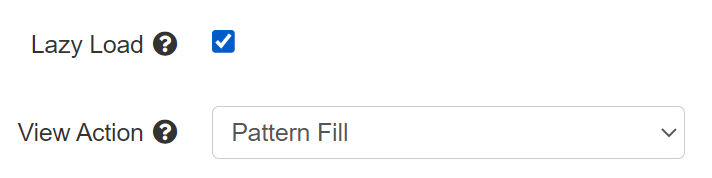
If you want to apply this setting to your Kit Builder, please check out the post inside announcements on your home page for full instructions.
For more information on setting up patterns on your Kit Builder, please see the following Knowledgebase guides:
2023 is set to be a big year for Kit Builder with many developments and updates being worked on behind the scenes. The team is hard at work to ensure Kit Builder is the best it can be for you.
We again wanted to take the time to thank you for your support in 2022 and we look forward to continuing to work together.
If you have any questions regarding anything from our 2022 updates or your Kit Builder in general please reach out to your account manager today!